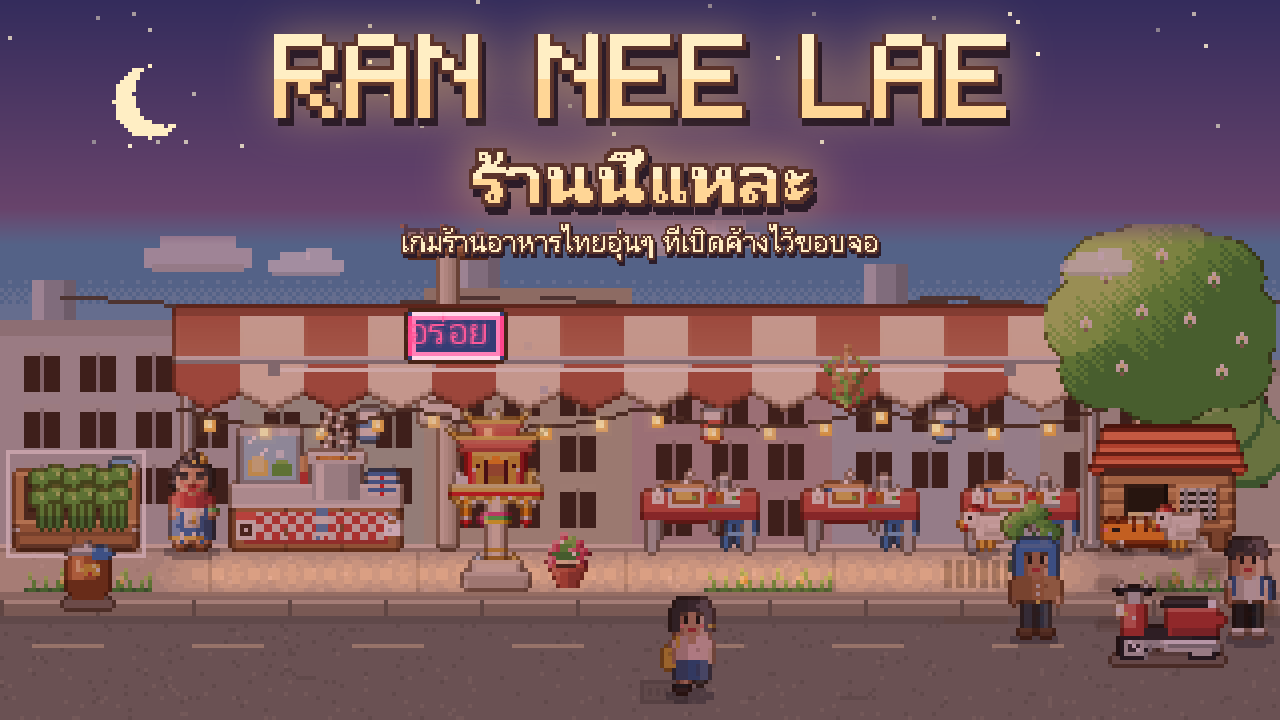
Ran Nee Lae ร้านนี้แหละ
A cozy pixel Thai restaurant that sits at the edge of your screen all day. Help Auntie turn an empty lot in a small soi into the rice shop the whole street loves.
Menus in English: pick English under Decor > Settings > Language. The menus, buttons, hints and the names of things are translated; the story is still in Thai for now.
Trailer
Where it sits on your screen
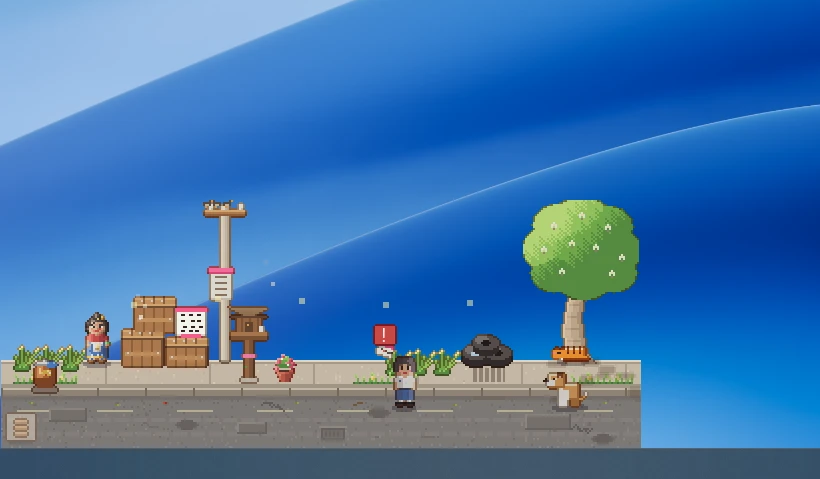
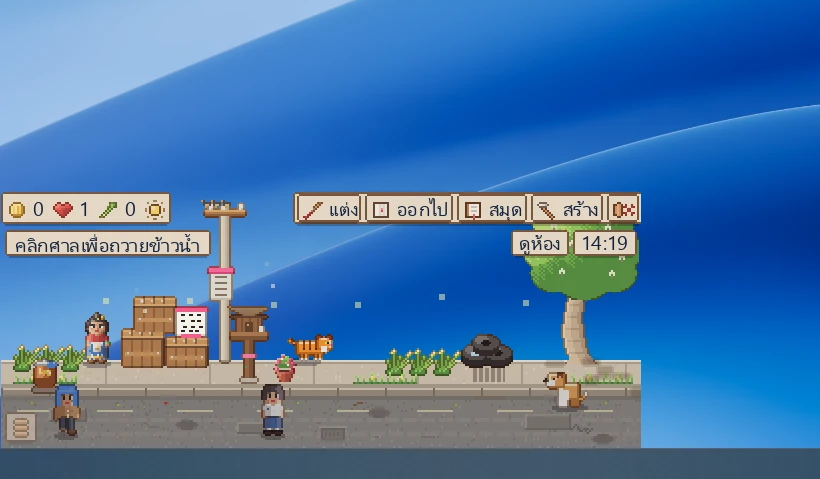
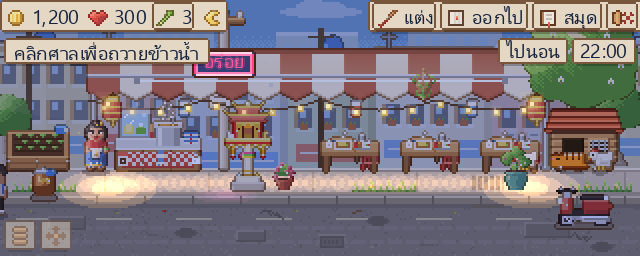
On first start the shop sits in the bottom-right corner, just above the taskbar. To move it, drag Auntie or the four-arrow button in the bottom-left corner; the game remembers. Clicks on the empty space around the shop go through to the programs behind it. Want it bigger? Set it up to 4x in the settings.
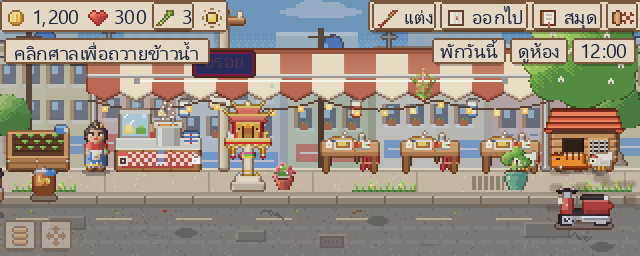
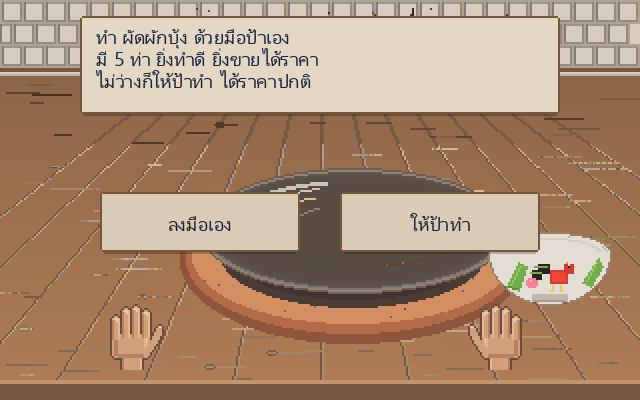
What's in the shop
How to install
Press Download above and open the
RanNeeLae-Setup.exeyou get.If Windows says "Windows protected your PC", press More info and then Run anyway. The game has no paid yearly code-signing certificate, so Windows only warns the first time.
Click through the installer and start the game from the rooster icon in the Start menu. No admin rights needed.
Questions
- How do updates work?
- No need to download the whole game again. The game checks when it starts; if there is a new version a "โหลดอัปเดต" (download update) button appears under the top bar. Updates are small and signed, and the game checks the signature every time. Press it, then restart the game. You can turn the check off in the settings. The installer on this page is always the newest version.
- What does the game use the internet for?
- Only to check for updates when it starts. Your save stays on your computer and nothing else is sent.
- Will I lose my save if I uninstall?
- Uninstall from Settings > Apps > ร้านนี้แหละ. The uninstaller asks whether to delete the save; keep it and a reinstall carries on where you left off.
- How do I know the files weren't changed?
- Compare the SHA-256 of your file with SHA256SUMS.txt on the releases page.
- Found a problem, or want to say something?
- Open an issue on the Issues page, in English or Thai. The game is still a test build, so every note helps a lot.